Scratch
archived forums
#1 2010-07-11 16:10:56
- Sunrise-Moon
- Scratcher
- Registered: 2009-06-27
- Posts: 1000+
Music Won't Stop!
It's really weird- I looked at one of my projects today, and then went to a different project and the music continued. I went to another project and the music was still there! The music only continues when I'm viewing a project- at all other times, it's stopped. Anyone know what's wrong?

Offline
#2 2010-07-11 16:14:08
- Sunrise-Moon
- Scratcher
- Registered: 2009-06-27
- Posts: 1000+
Re: Music Won't Stop!
Actually, just fixed it by going to a project that had different music. Still, I wonder what went wrong O_o
Offline
#4 2010-07-11 17:03:48
- Sunrise-Moon
- Scratcher
- Registered: 2009-06-27
- Posts: 1000+
Re: Music Won't Stop!
coolstuff wrote:
That sometimes happens to me too - maybe Java just isn't entirely quitting. I really am not sure.
Yeah, I was thinking that too. I'll bet if I had restarted my browser, it'd have stopped.
Offline
#5 2010-07-13 08:32:30
- GarSkutherGirl
- Scratcher
- Registered: 2009-04-27
- Posts: 1000+
Re: Music Won't Stop!
I restarted my browser, but it still didn't shut up.... (It was the gummy bear song) O_O
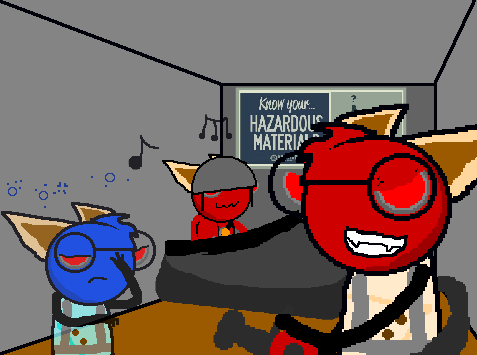
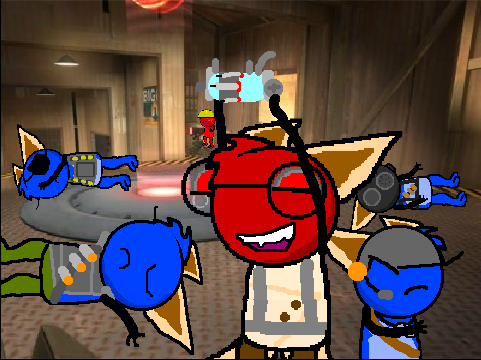
Oh, the glory of it all - adorable cat people dressed as video game characters!
Offline
#6 2010-07-13 10:52:53
- samurai768
- Scratcher
- Registered: 2009-07-21
- Posts: 1000+
Re: Music Won't Stop!
GarSkutherGirl wrote:
I restarted my browser, but it still didn't shut up.... (It was the gummy bear song) O_O
O.o
Offline
#7 2010-07-13 17:25:40
Re: Music Won't Stop!
GarSkutherGirl wrote:
I restarted my browser, but it still didn't shut up.... (It was the gummy bear song) O_O
It didn't stop playing when you quit your browser?
Try going to your task manager (control+alt+delete) in the Processes tab and see if there's any browser or Java-related tasks going on in there after you've quit the browser.
Offline
#8 2010-07-13 17:50:33
- TimeFreeze
- Scratcher
- Registered: 2008-08-11
- Posts: 500+
Re: Music Won't Stop!
That happened when I first checked out Nikkiperson2's new project, "Liek LOL" when it had like 2 views.
Coolstuff, task manager is control+shift+escape... I'm pretty sure it is.
There are 10 types of people in this world: Those who understand binary, and those who don't. --[insert unrelated transition]-- GRANDILOQUENCE FTW!
Offline
#9 2010-07-13 18:13:14
Re: Music Won't Stop!
TimeFreeze wrote:
Coolstuff, task manager is control+shift+escape... I'm pretty sure it is.
Nope - try it, it's Control+Alt+Delete.
Wikipedia confirmation: http://en.wikipedia.org/wiki/Control-Alt-Delete
Offline
#10 2010-07-13 19:26:04
Re: Music Won't Stop!
coolstuff wrote:
TimeFreeze wrote:
Coolstuff, task manager is control+shift+escape... I'm pretty sure it is.
Nope - try it, it's Control+Alt+Delete.
Wikipedia confirmation: http://en.wikipedia.org/wiki/Control-Alt-Delete
for my computer it will say turn off,or task manager

http://i.imgur.com/tgxVZ.jpg
Offline
#11 2010-07-13 19:27:19
Re: Music Won't Stop!
hdarken wrote:
coolstuff wrote:
TimeFreeze wrote:
Coolstuff, task manager is control+shift+escape... I'm pretty sure it is.
Nope - try it, it's Control+Alt+Delete.
Wikipedia confirmation: http://en.wikipedia.org/wiki/Control-Alt-Deletefor my computer it will say turn off,or task manager
Then click the "Task Manager" button 
Offline