Scratch
archived forums
#1 2009-12-22 23:46:27
- Common_Sense
- Scratcher
- Registered: 2009-12-21
- Posts: 100+
Getting and using user input tutorial
This would be my second project and my second tutorial.
Last time I showed you how to show messages letter by letter.
This time, however, I'll be showing you something slightly more complicated;
Getting and using user input.
User Input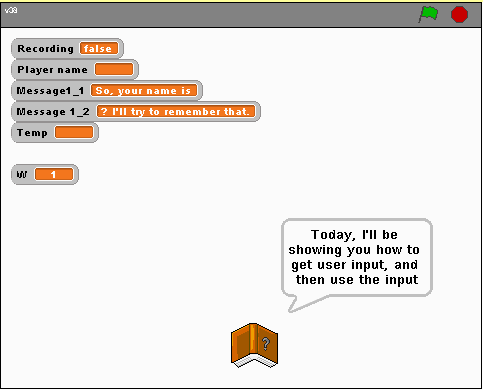
After a brief introduction, you'll be told to click the book.
It will record the name until you click it again, then show it in the middle of a message.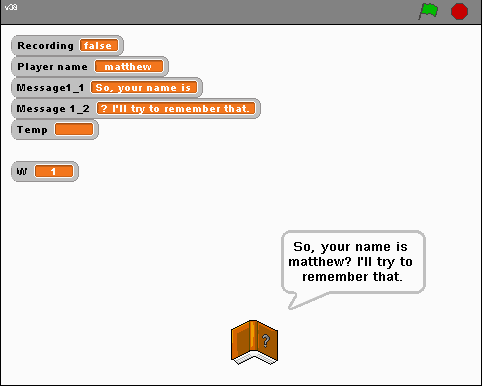
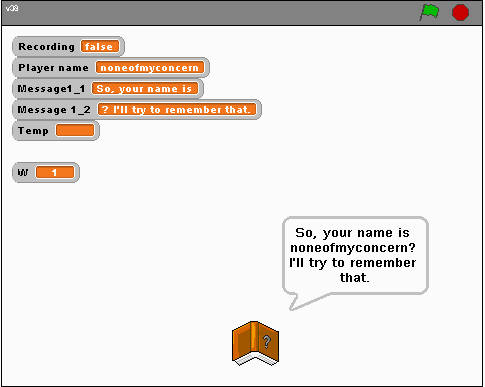
Of course, names aren't the only thing you can do with this.
Be creative;
Use it in a game where you type a word and the sprite does what you type,
or changes into what you type, or something entirely different.
My goal is to extend scratch for everyone, and I believe this is one more small step to that goal.
Oh, yes, one way to help is to be sure to credit me as "Common Sense" If you use or modify this.
 'Till next time
Remember, comments are always wanted and welcome.

Offline