Scratch
archived forums
#51 2010-06-07 19:19:03
- PikachuPikachu
- Scratcher
- Registered: 2010-06-06
- Posts: 25
Re: Four glitches on Scratch 1.4
Another glitch(?) is that when I click paint new sprite, an unwanted white square sprite shows up along with the painted one.
For me, phailure is not an option. Ceriously, I nether phail. Nether.
Offline
#52 2010-06-07 23:35:08
- mathematics
- Scratcher
- Registered: 2009-03-01
- Posts: 1000+
Re: Four glitches on Scratch 1.4
Somehow it's a glitch but nobody cares. It will be replaced by your painted sprite.
Offline
#53 2010-06-08 20:34:15
- GlitchSprite
- Scratcher
- Registered: 2010-06-08
- Posts: 1000+
Re: Four glitches on Scratch 1.4
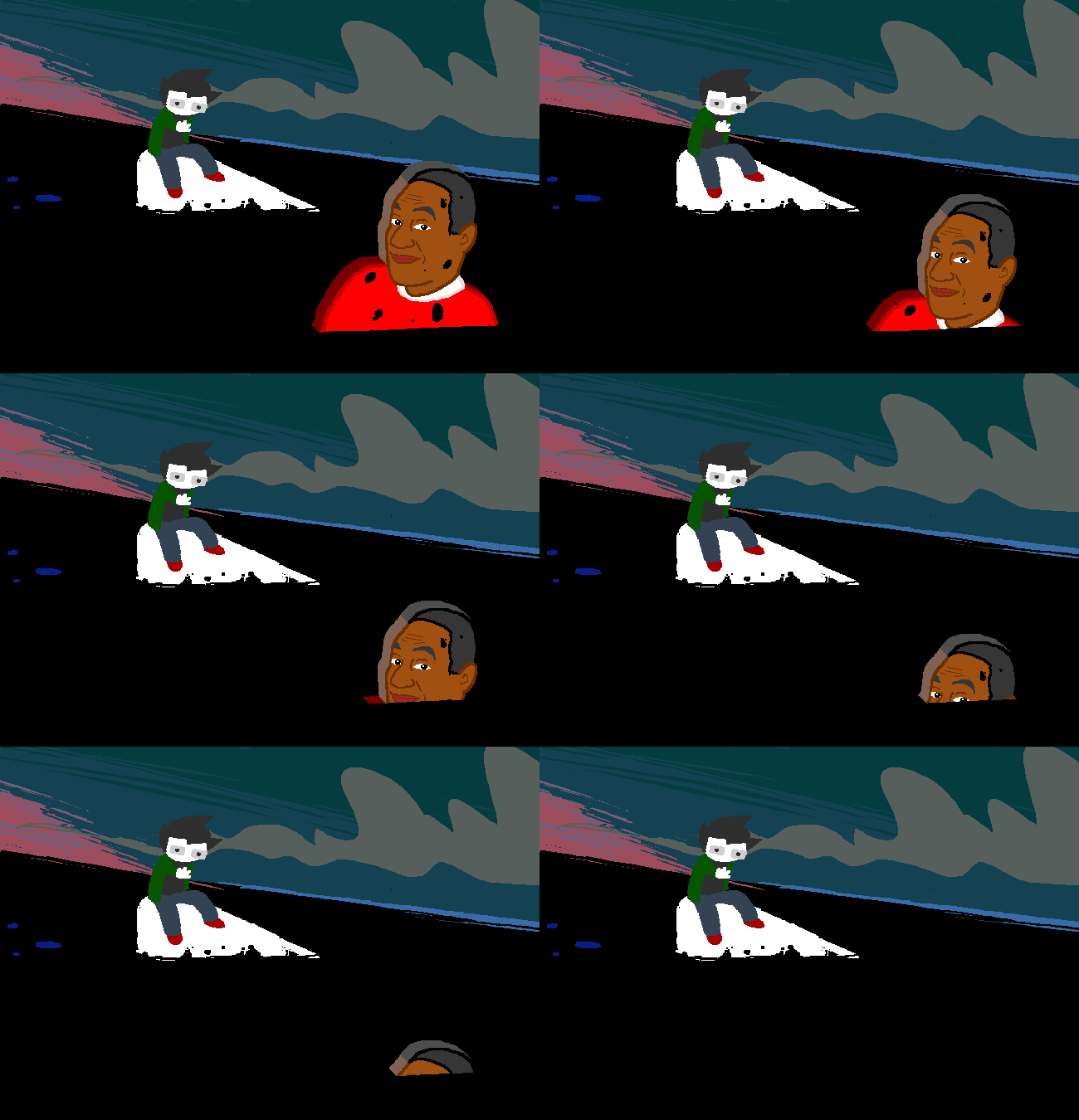
Hey, I'm new. I made a game called GlitchSprite Testing. It will explain how to make a Sprite appear in a glitch. Check it out! It shows you how to make it in the notes.
Offline
#54 2010-06-08 21:33:01
Re: Four glitches on Scratch 1.4
GlitchSprite wrote:
Hey, I'm new. I made a game called GlitchSprite Testing. It will explain how to make a Sprite appear in a glitch. Check it out! It shows you how to make it in the notes.
Welcome to the Scratch forums! I see that you have made your first post.
However, you should try posting that in the Show and Tell forum.
Offline
#55 2010-10-10 16:43:25
Re: Four glitches on Scratch 1.4
Red text Bold text Underlined text I HAVE A COOL GLITCH I FOUND!
first it will be best to make the stage colored black
step1: Click on the paint new sprite button
step2: when the drawing window pops up click on the paint new sprite button again. (If you want more than one you can repeatedly click the paint new sprite button.)
step3: click the OK button. There will be 2 or 1 white dots for the sprite but at the bottom right corner there will not be any new sprite.
step4: (optional) click on the white dot/square then on the costumes button.
step5: click edit and edit the white dot costume to be a picture of your choice or import a picture.
step6: the white dot is still not be in the bottom right corner.
If this doesn't work it is just on our computer which is windows7. 

If you are reading this, please read to the end, because if you don't you won't know what's at the end. Don't just skip to the end though otherwise you won't be able to read the middle, which is most important. Now you must be wondering why you just read all that, the reason is you may have not noticed something, read it again and see if you notice it this time

Offline



#58 2010-10-11 15:26:04
- TheSuccessor
- Scratcher
- Registered: 2010-04-23
- Posts: 1000+
Re: Four glitches on Scratch 1.4
TheoMarr wrote:
Glitch #1: When you try to do this
[blocks](( 0 </> 0 ))[/blocks]
in a script it stops the script and the white/silver line around it turns into a dark red one. Luckily it only happened to me once
Glitch #2: When you try to do this
[blocks](( 0 <mod> 0 ))[/blocks]
in a script well basicly it does the same thing as glitch no. 1.
Glitch #3: If you try to type 1.89, 1.91, 1.93 or 3.14159265 into any white ovally area it changes to the slightest fraction of a number more than the number you put.
Glitch #4: Edit the second costume of the Scratch Cat to a one pixel. Now, set the size to 64000%. Switch back to the first costume and it comes up with an error saying "Space is low".
Tell me if you find any others and I will add it to the list
_______________________________________________________
Those four glitches where all found by me. Here are some others that other users found:
Glitch #5: Middle click on a sprite which has no scripts. Now, select "Save picture of scripts". Two things happen. First of all it comes up with an error saying "Subscript is out of bounds: 1" and second of all the script area for that sprite goes wrong until you open a new project.
Glitch 3: Computers store numbers in binary, and fractions in binary don't alway convert to decimal exactly. That's why you have the problem. Decimal is converted to binary, with a slight error, and then converted back with a slight error. That adds up to the error you see.
/* No comment */
Offline
#59 2010-10-13 04:31:12
Re: Four glitches on Scratch 1.4
The-Whiz wrote:
1. You cannot divide by 0. That's why. How many times does 10 go into 0? That doesn't make any sense.
2. Don't know.
3. Don't know.
4. The sprite is so big and detailed it overloads squeak. Can you imagine a Scratch Cat 16055 by 18759?
For Q2, mod is just a way of dividing the number and get the reminder. So you can't use it, because:
The-Whiz wrote:
You cannot divide by 0. That's why. How many times does 10 go into 0? That doesn't make any sense.
Waiting for Scratch 2.0...
Offline
#60 2010-10-14 02:36:38
- Hardmath123
- Scratcher
- Registered: 2010-02-19
- Posts: 1000+
Re: Four glitches on Scratch 1.4
You could turn error catching off for the first two glitches, it works for me.
Hardmaths-MacBook-Pro:~ Hardmath$ sudo make $(whoami) a sandwich
Offline
#61 2011-04-05 07:09:05
- balken_test
- New Scratcher
- Registered: 2011-03-14
- Posts: 2
Re: Four glitches on Scratch 1.4
# 5 you can still make a game you have to do normal coding and for share drag the error box elsewhere.
Code:
be cool
[blocks]http://scratch.mit.edu/forums/viewtopic.php?pid=210600#req_message[/blocks]
Offline
#62 2011-04-05 20:18:56
- lemonpretzel
- Scratcher
- Registered: 2008-10-23
- Posts: 100+
Re: Four glitches on Scratch 1.4
TheoMarr wrote:
flemzy wrote:
you can't divide 0 by 0! XD its impossible....is it?

I know, but it's annoying when you have to do this
[blocks]<set{ Final score }to( (( <{ Hits }> </> <{ Misses }> ))[/blocks]
say in like a shooting game but what if hits and misses are both 0? Therefore it can be annoying. The same thing apparently happens with the mod block. I've explained this to two people already
Just do this instead:
[blocks]<set{ Final score }to( (( <{ Hits }> </> <{ (( Misses <+> 0.00001 )) }> ))[/blocks]


Offline
#63 2011-04-05 20:41:30
- puppetadventurer
- Scratcher
- Registered: 2011-02-20
- Posts: 1000+
Re: Four glitches on Scratch 1.4
cool
3
Offline
#64 2011-04-05 23:35:42
- scimonster
- Community Moderator
- Registered: 2010-06-13
- Posts: 1000+
Re: Four glitches on Scratch 1.4
Impossible to divide by 0. The first two cannot and will not be changed.
 Moderator | Scratch Wiki Administrator | Coders' Shed Administrator
Scratch 2.0 is just around the corner! Prepare for the transition by beta testing. Your feedback will help make it the best it can be!
Offline
#67 2011-05-02 12:27:26
Re: Four glitches on Scratch 1.4
The-Whiz wrote:
filo5 wrote:
BUAHAHAHAHAHAHAHAHAHAHAHAHAHAHAHAHA!!!!!!!!!!!!!!!!!!!!!!
Ask Einstein, or Aristotelian! You can't just divide by 0, it's mathematically impossible!
http://pix.motivatedphotos.com/2009/8/3 … byzero.jpgOr me...
Or just ANY calcultor
SCRATCH'S PARTLY INSANE RESIDENT

Offline
#68 2011-05-03 12:18:39
Re: Four glitches on Scratch 1.4
it means that the script won't work. it's not possible because that math can't be performed. it's just the way scratch is. if you do proper math and programming this won't happen.
if you're a Sonic Fan, you've gotta try Sonic Generations! click here for Sonic Fanart!
Offline
#69 2011-06-14 13:24:48
Re: Four glitches on Scratch 1.4
another glitch : go into the costumes bar and click paint. then click one of the other costumes. then click ok. the costume you clicked will be deleted and you will have a blank costume. after that click the blank costume and you'll have an invisible sprite
Offline
#70 2011-07-21 14:13:57
- silentslayer7
- Scratcher
- Registered: 2011-06-05
- Posts: 100+
Re: Four glitches on Scratch 1.4
ok but how do u do middle clicks?
 Silentslayer7: Curator from Oct. 24 to Nov. 7
 Offline


#72 2011-07-21 14:20:21
- silentslayer7
- Scratcher
- Registered: 2011-06-05
- Posts: 100+
Re: Four glitches on Scratch 1.4
Harakou wrote:
silentslayer7 wrote:
ok but how do u do middle clicks?
Uh, old topic here.
And I believe a middle-click is depressing the scroll wheel.
ok. btw i voted 4 u
Silentslayer7: Curator from Oct. 24 to Nov. 7 Offline
#74 2011-08-03 20:04:22
- Paddle2See
- Scratch Team
- Registered: 2007-10-27
- Posts: 1000+
Re: Four glitches on Scratch 1.4
NyanCatJr wrote:
I found a glitch... sometimes... when u make a game with arrows for contols when u press left it just plain goes right
I'd like to see that! Do you have a link?
It might be because the game is using the "When Left/Right Arrow Key Pressed" hat blocks. If the arrow keys are held down for a long time, the key presses can fill up the keyboard buffer and the action will continue even after the key press is released. That's why I usually use a Forever Loop with some If Blocks and the sensing blocks "Key Left/Right Arrow Pressed" instead. They aren't affected by the keyboard buffer.

Offline
#75 2011-08-03 20:22:10
Re: Four glitches on Scratch 1.4
Paddle2See wrote:
NyanCatJr wrote:
I found a glitch... sometimes... when u make a game with arrows for contols when u press left it just plain goes right
I'd like to see that! Do you have a link?
It might be because the game is using the "When Left/Right Arrow Key Pressed" hat blocks. If the arrow keys are held down for a long time, the key presses can fill up the keyboard buffer and the action will continue even after the key press is released. That's why I usually use a Forever Loop with some If Blocks and the sensing blocks "Key Left/Right Arrow Pressed" instead. They aren't affected by the keyboard buffer.
Another possibility is that you're actually causing the program to make it move right without realizing it.
Offline